

The Crow
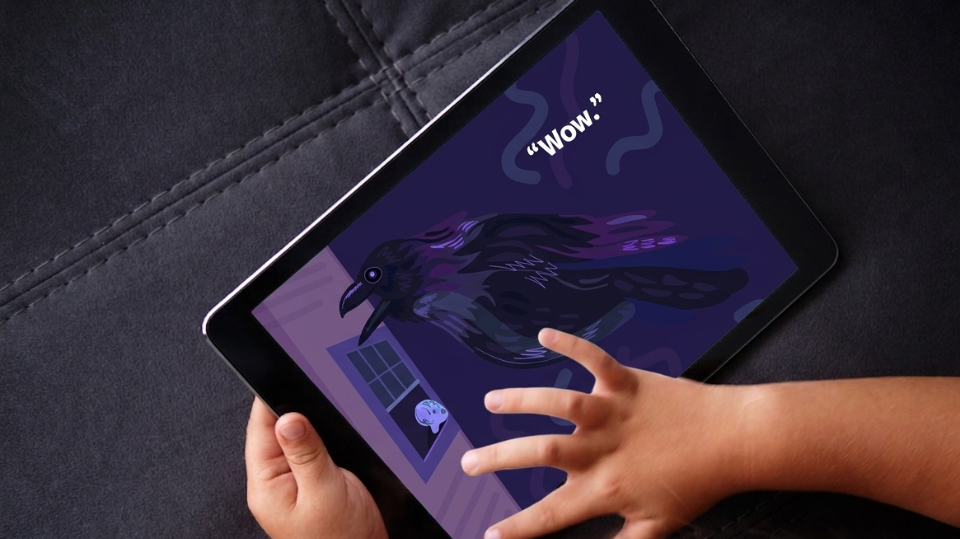
An interactive storytelling experience that encourages children to actively participate in reading through voice interaction and animated feedback.
Interaction Design • Educational Technology
Role: UI/UX Designer
Team: 3 Designers
Timeline: Spring 26
Tools: User research, Figma
Context: Academic project
Platform: Mobile app
The Problem
Children often experience digital storybooks as passive experiences, limiting engagement and opportunities to practice reading aloud.
The Goal
Design an interactive reading experience that encourages children to actively participate in the story while improving engagement and reading comprehension.
Research
Target Audience
Early elementary readers (approximately ages 6–9)
Design Goals
Encourage reading aloud
Increase story engagement
Support reading comprehension
Create intuitive interactions for children
System Design
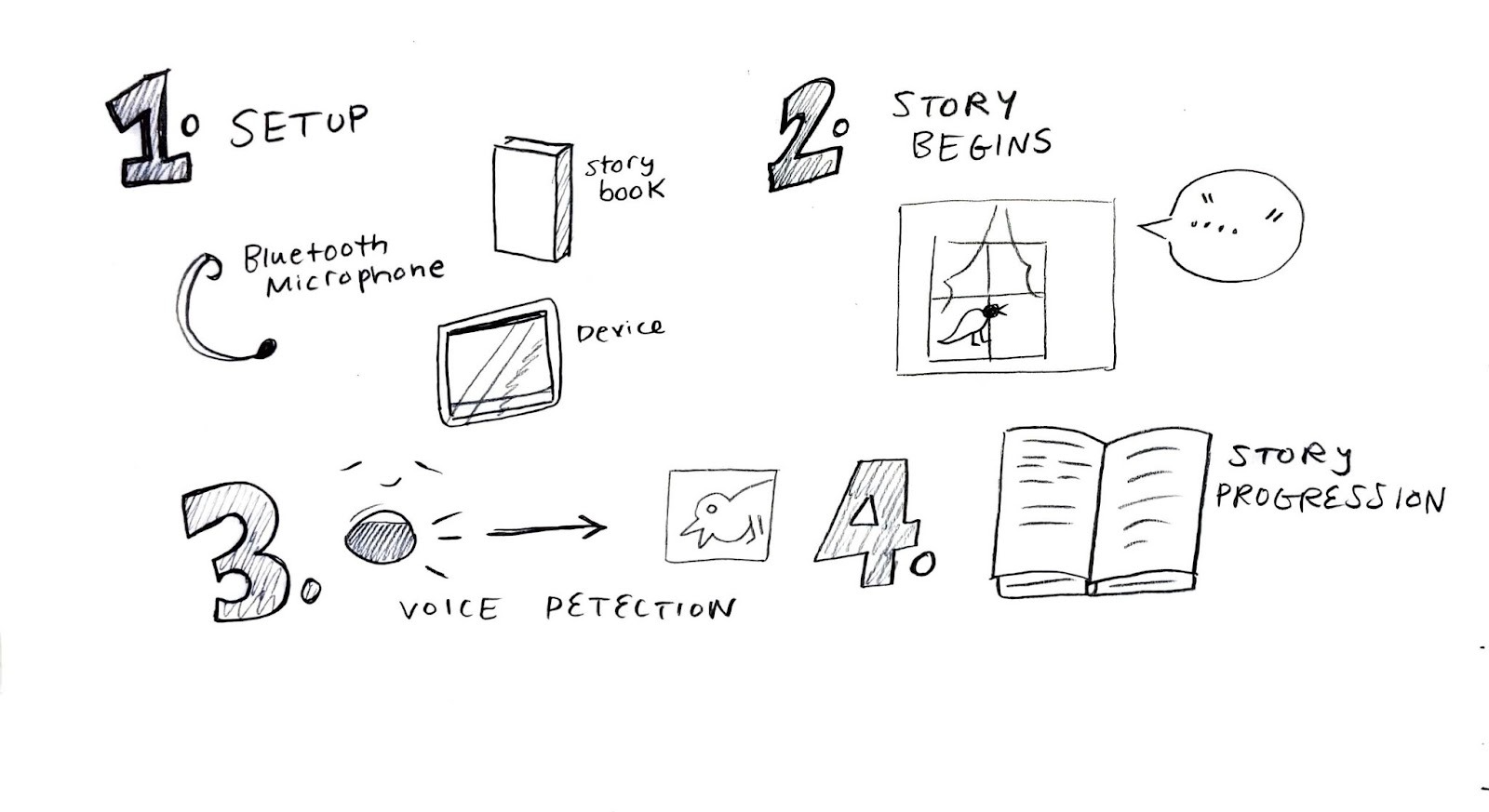
Read Text Aloud → Voice Recognition → Animation → Story Progresses → Reading Assessment /Support
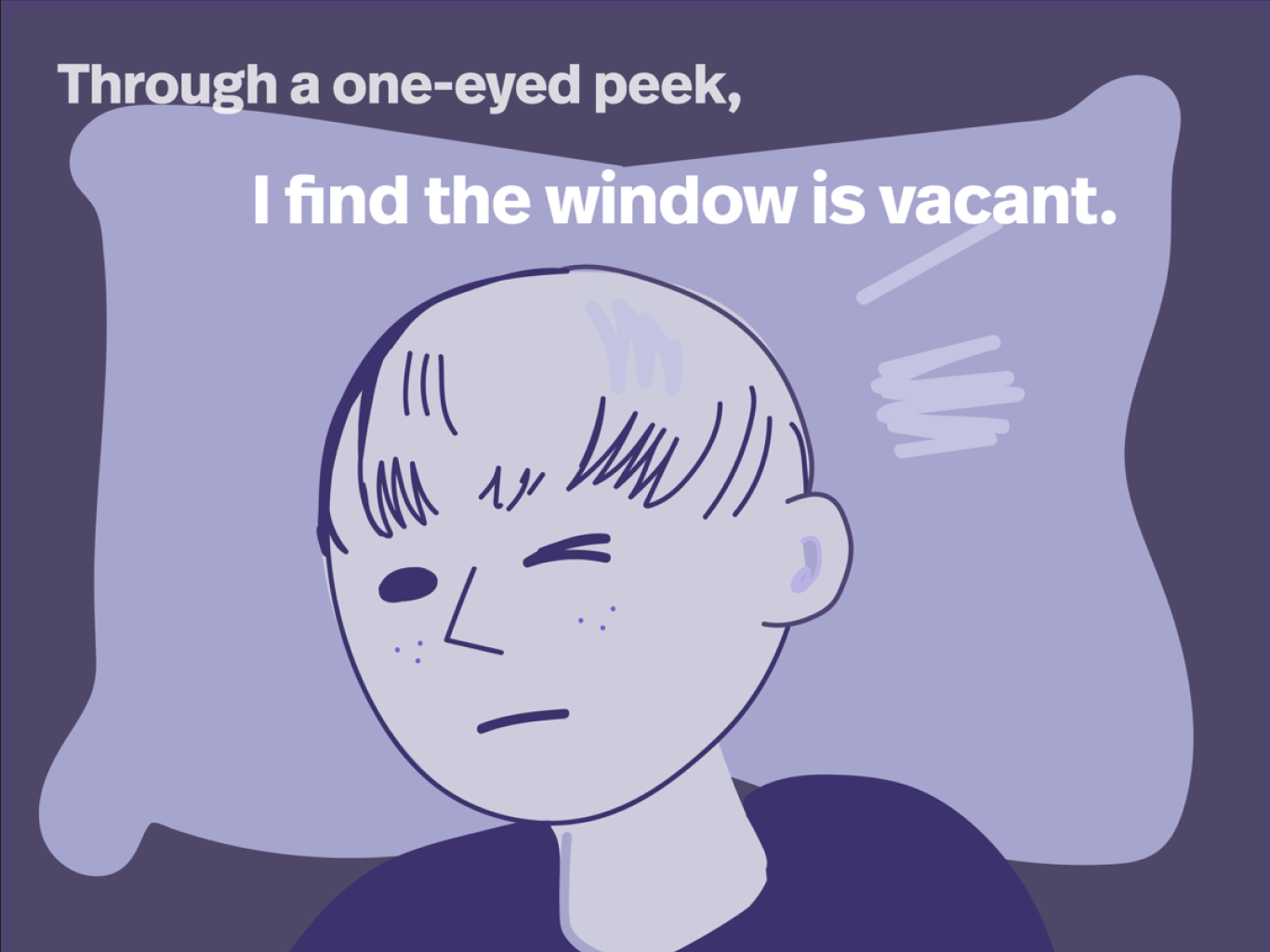
The story was written specifically to create opportunities for spoken interaction. Dialogue, pacing, and animated moments were intentionally placed to encourage children to read aloud and receive immediate feedback.
Interaction Design
Voice Prompts
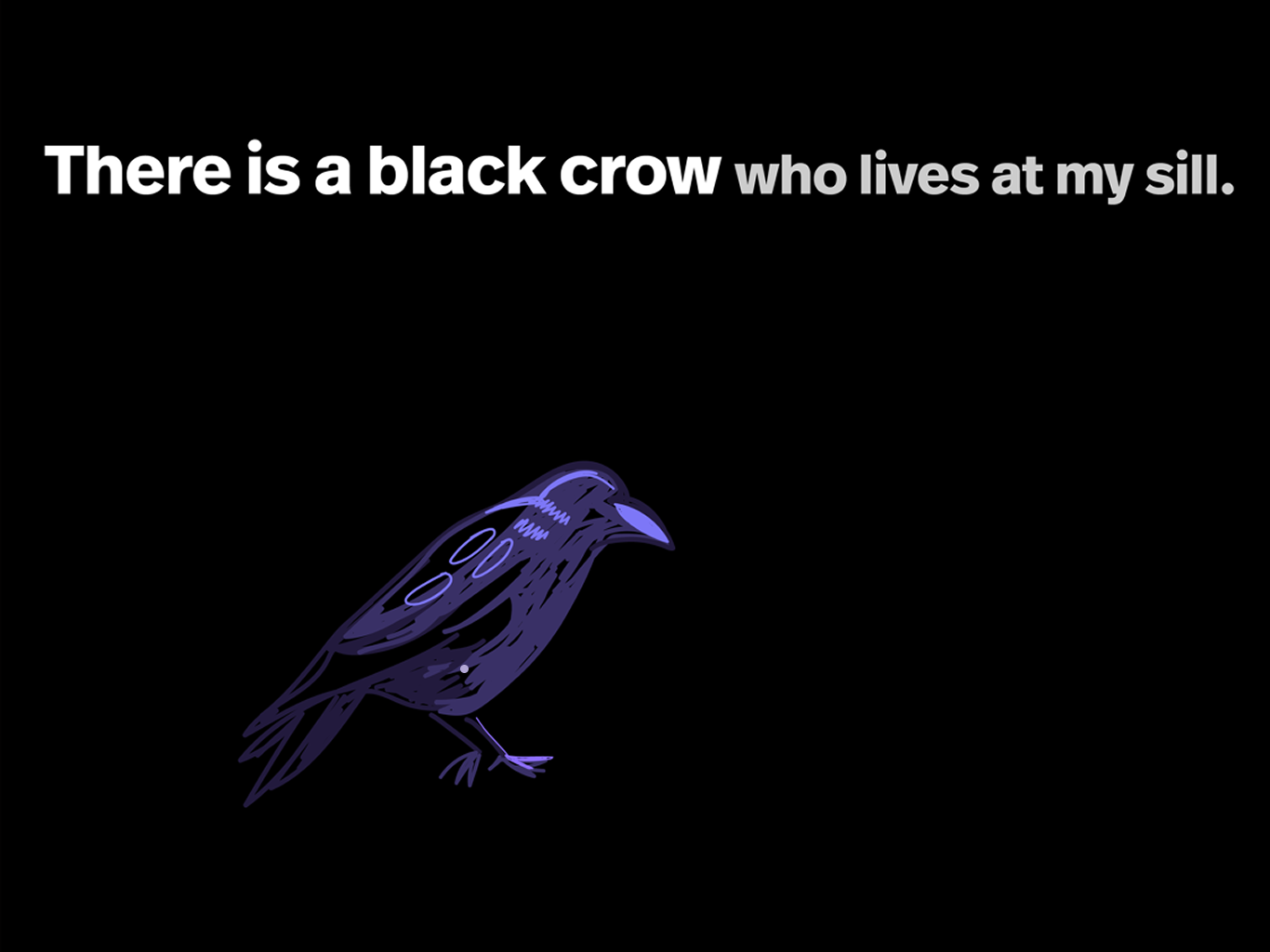
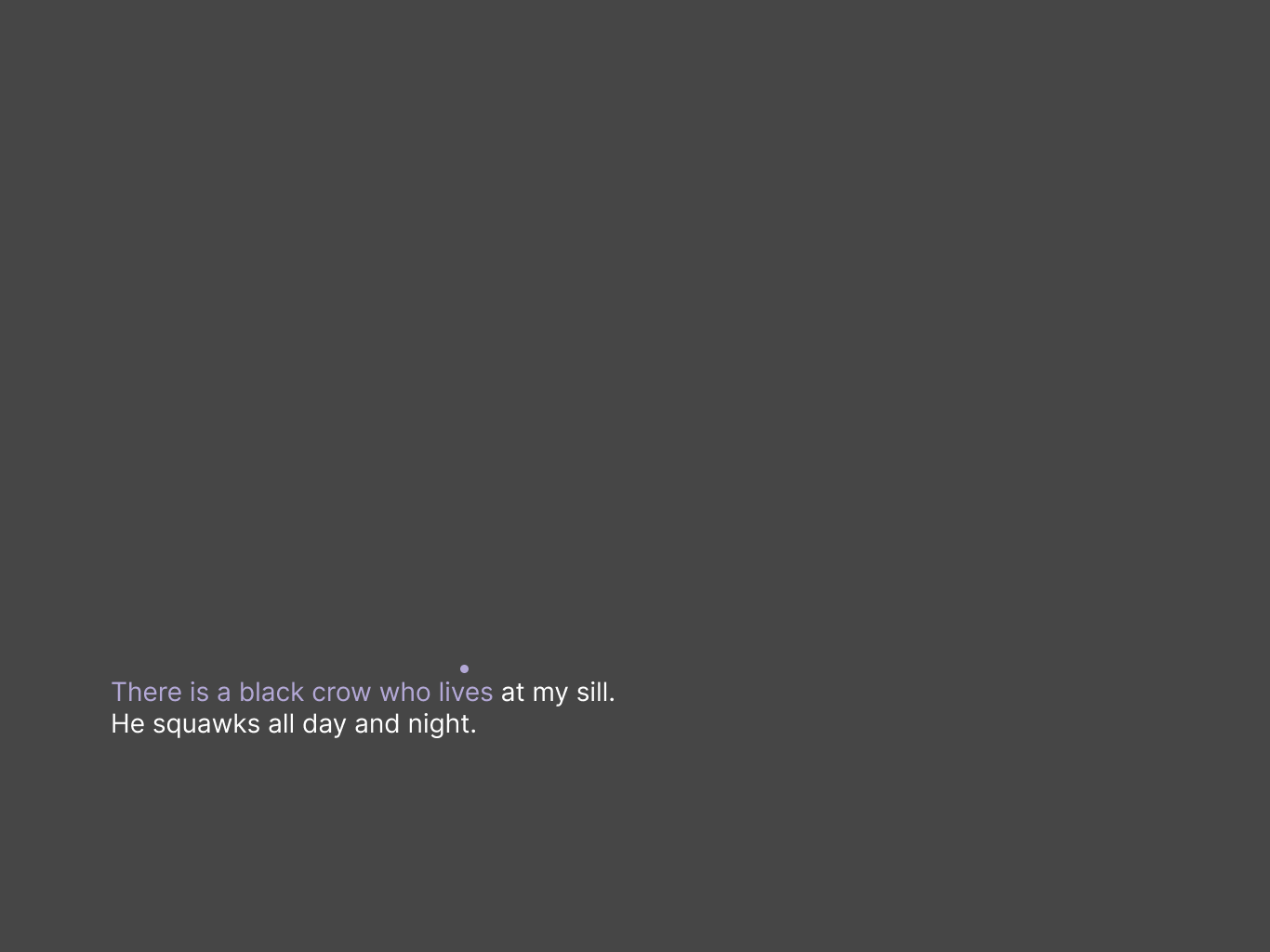
Child reads the story aloud, one word at a time
Key Affordances
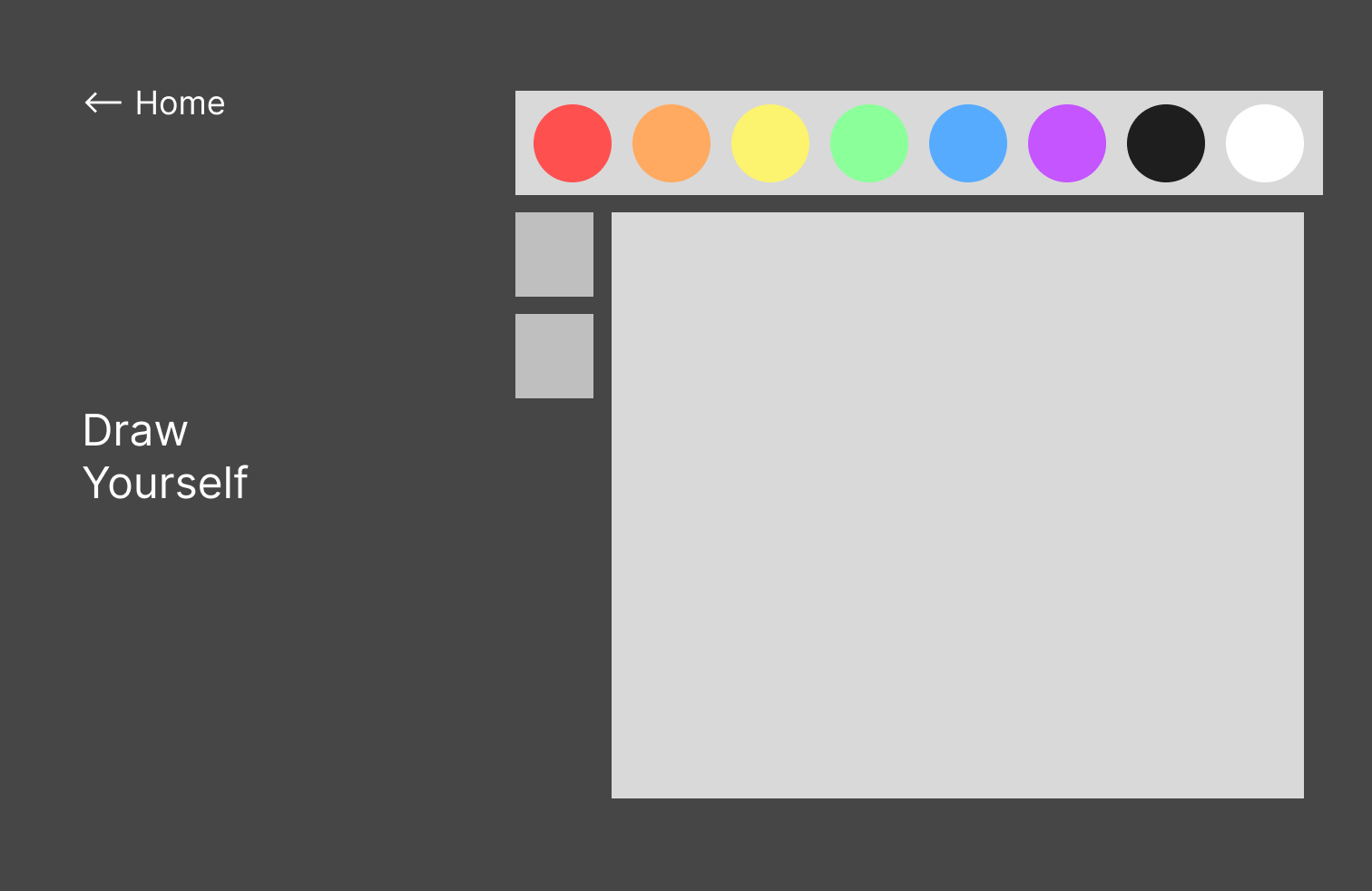
Wireframes
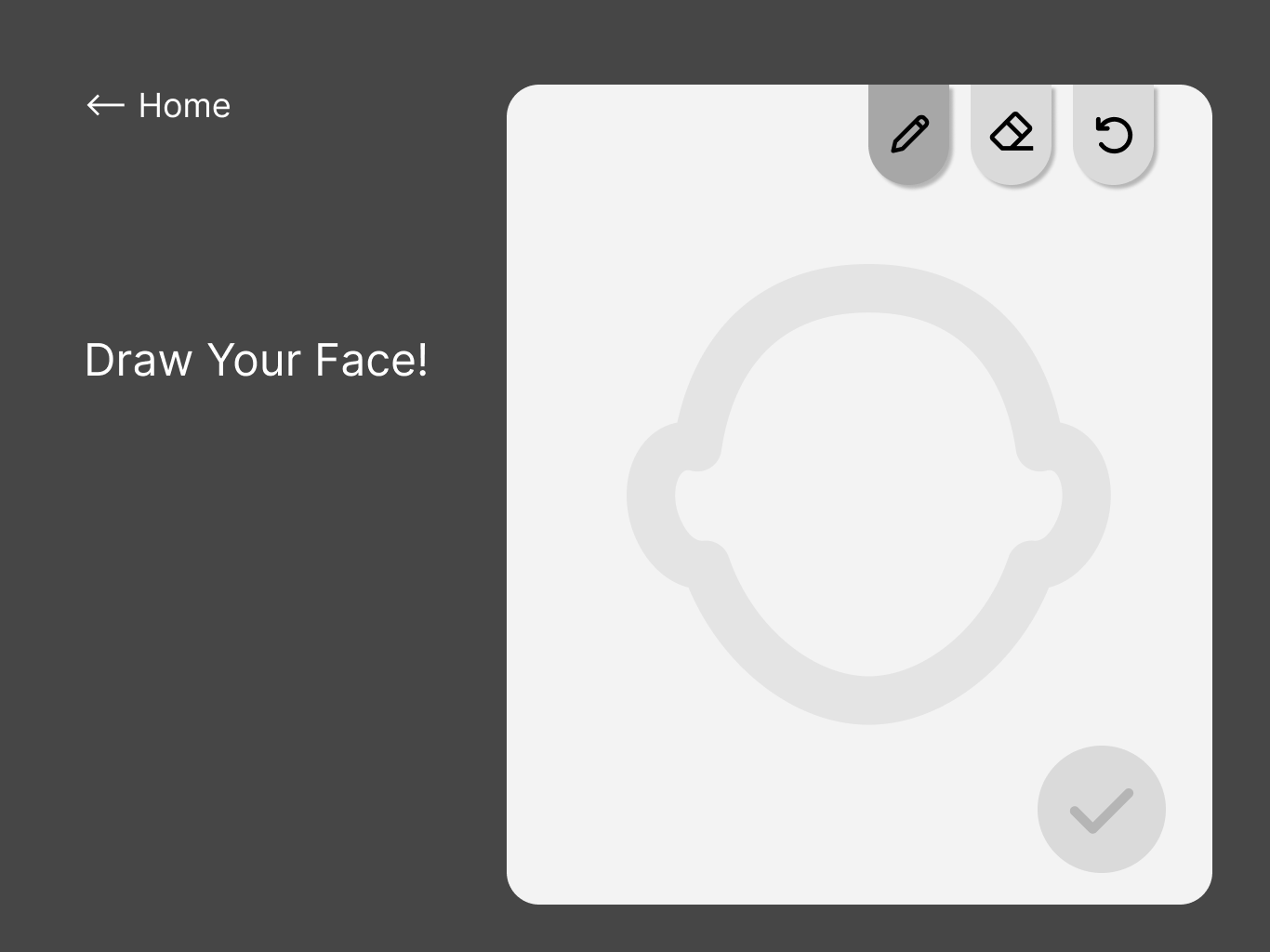
Iteration
Feedback
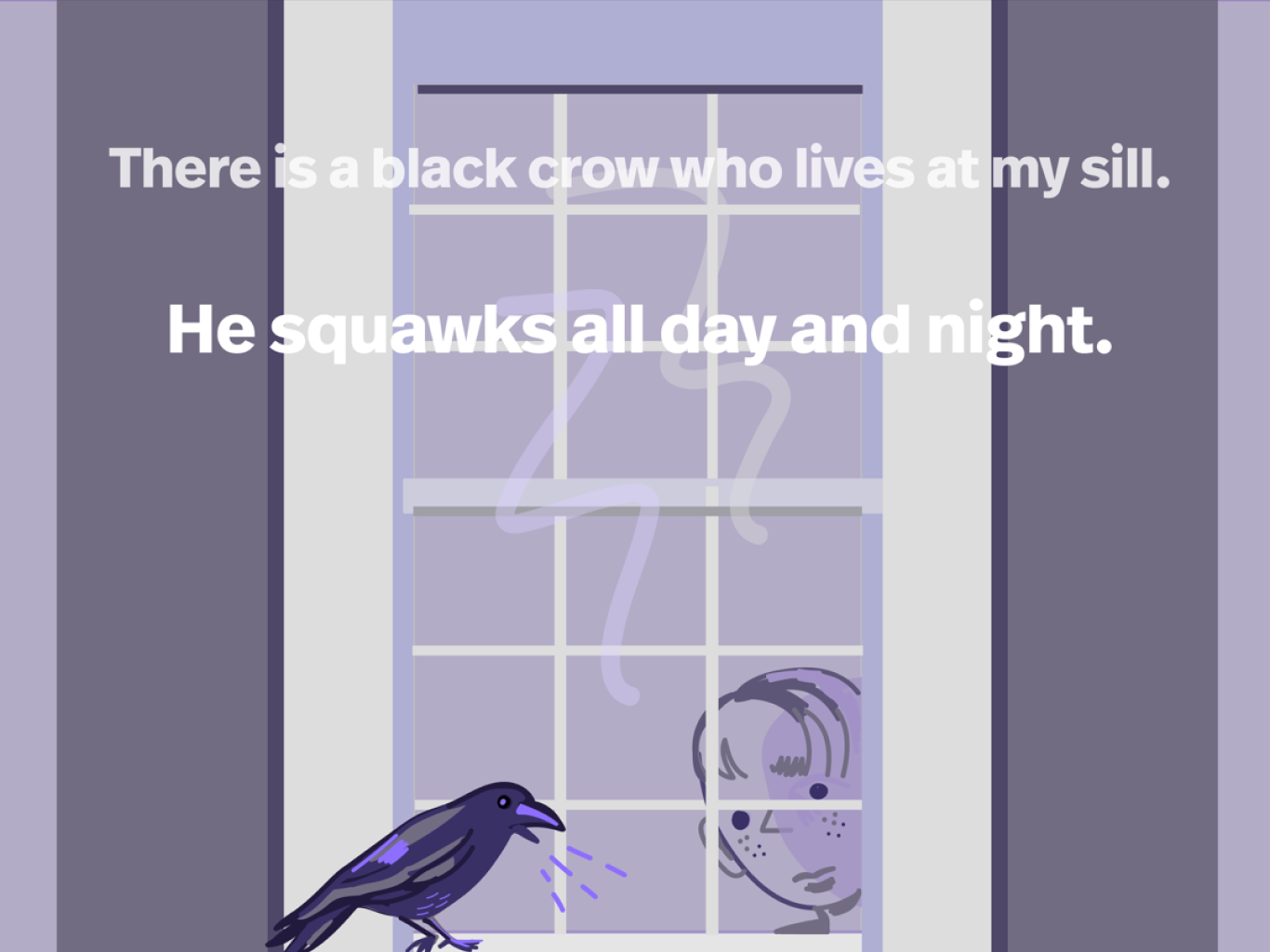
If the child reads with accuracy, the story progresses through animation and sound effects
Voice input
Audio feedback
Pronunciation support
Dynamic animation
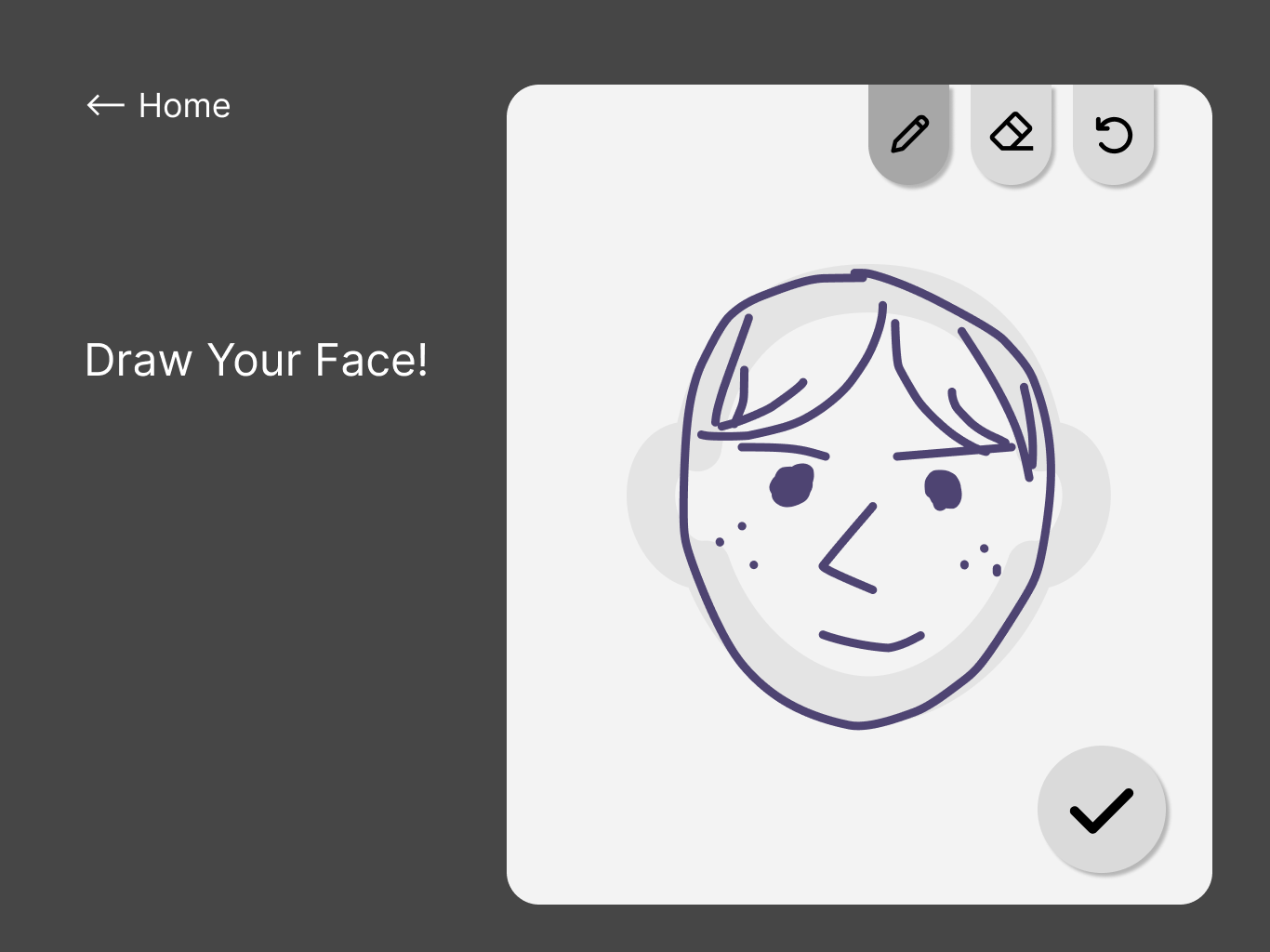
Drawing input
Concept Development
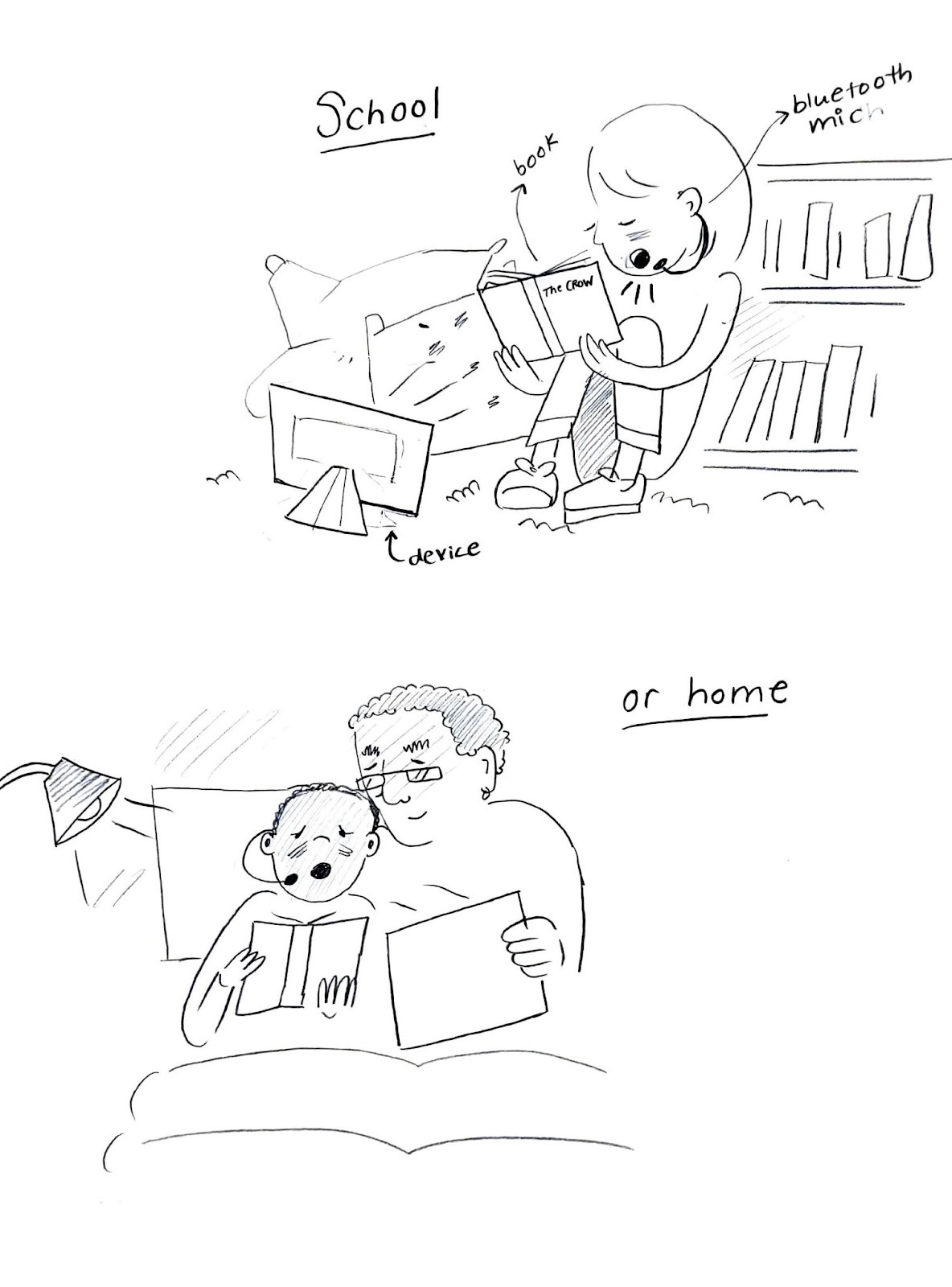
Sketches
Story Progression
The story matches the reader’s pace, slowing down if the child experiences difficulty reading
Key Design Decisions
Read-Aloud Prompts
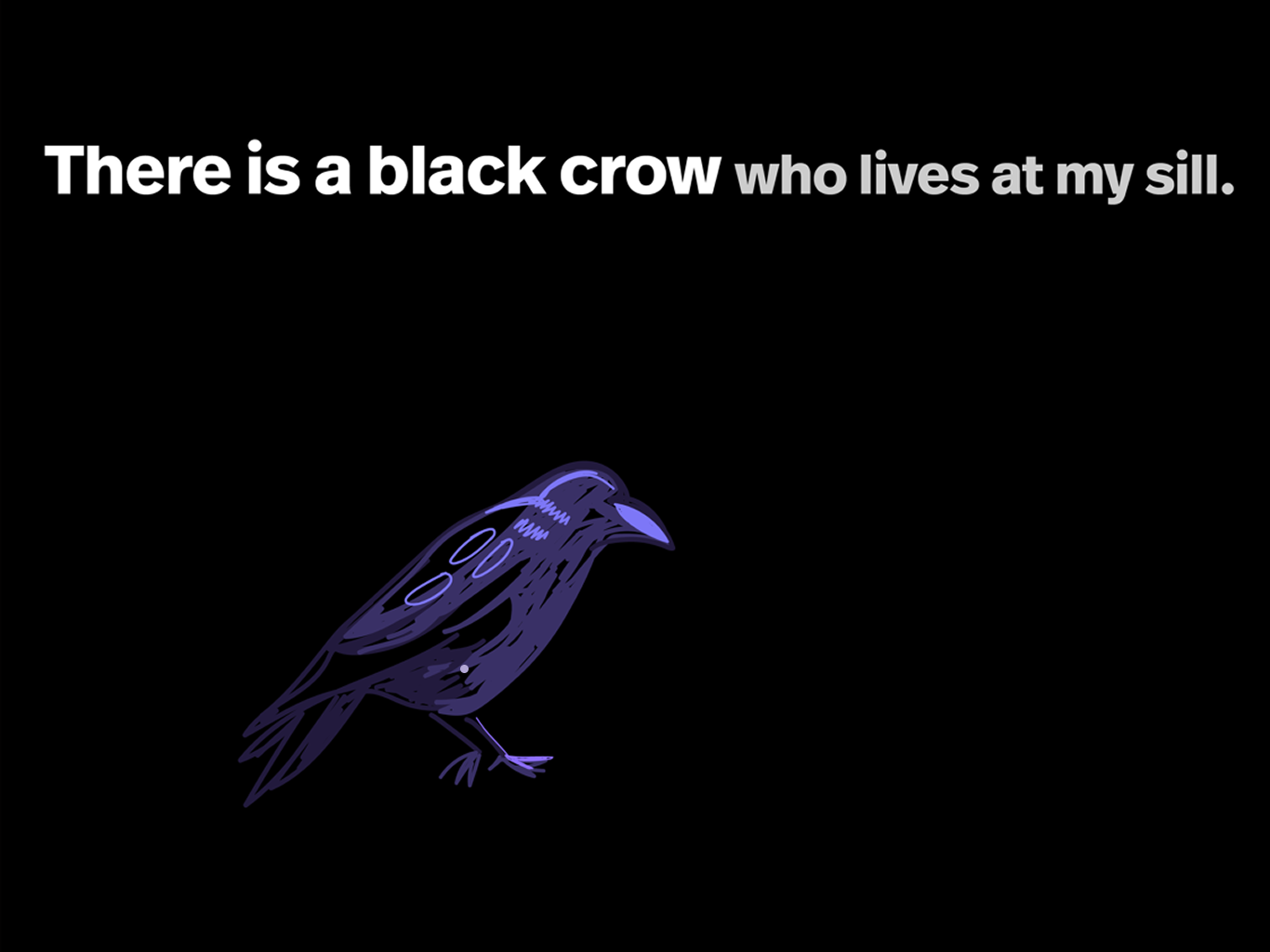
Used highlighted text and immediate visual feedback to indicate when verbal interaction was expected.
Child-Friendly Navigation
Simplified controls and large touch targets reduced cognitive load for young readers.
Final Experience
Reflection
Designing for young readers challenged me to simplify interactions without reducing engagement. Through this project, I learned how different interactions can work together to create not only entertaining, but also educational experiences. Through this project, I gained experience designing interactions that prioritize learning outcomes rather than simply presenting content to adult audiences.
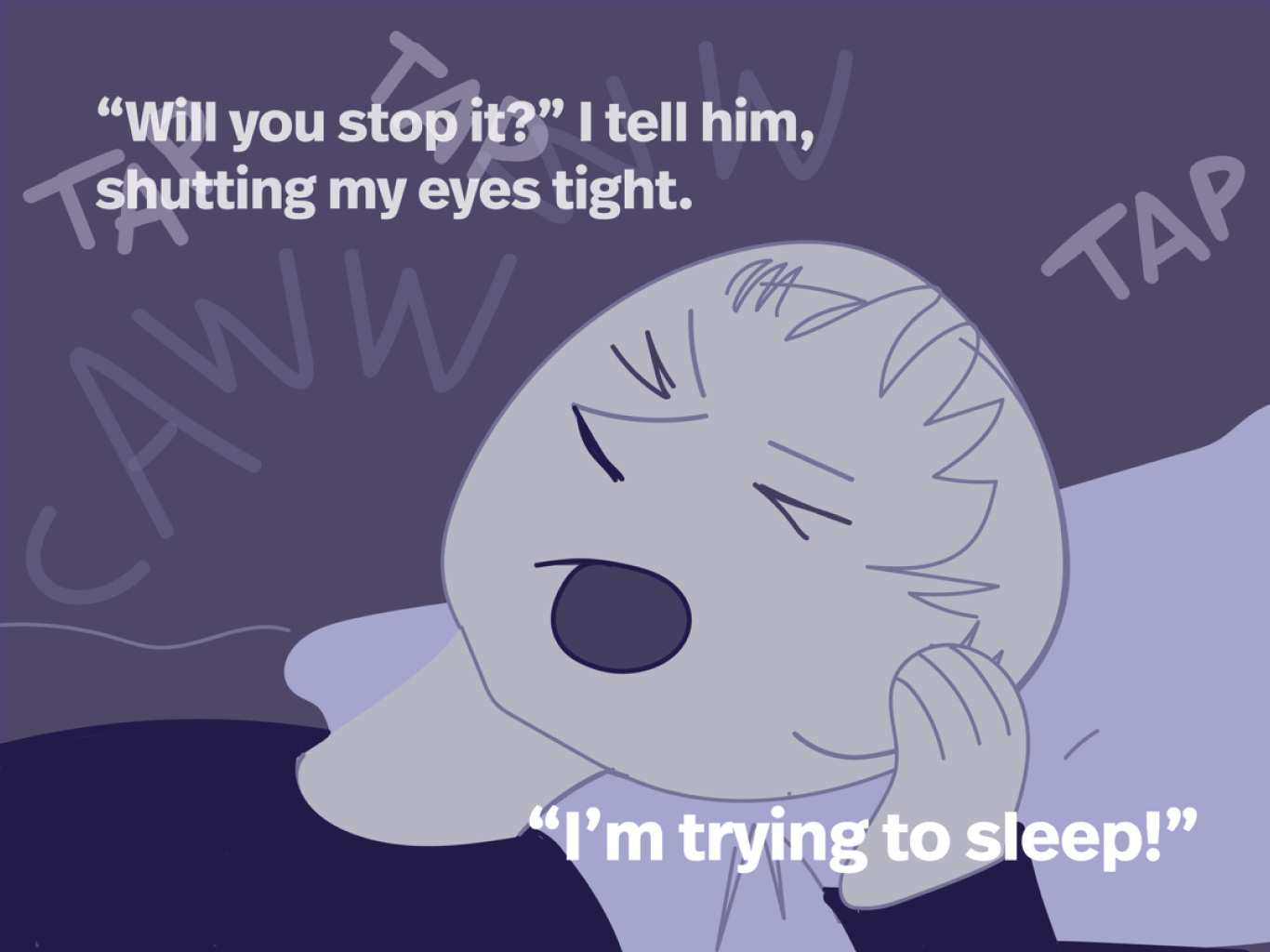
Reading Support
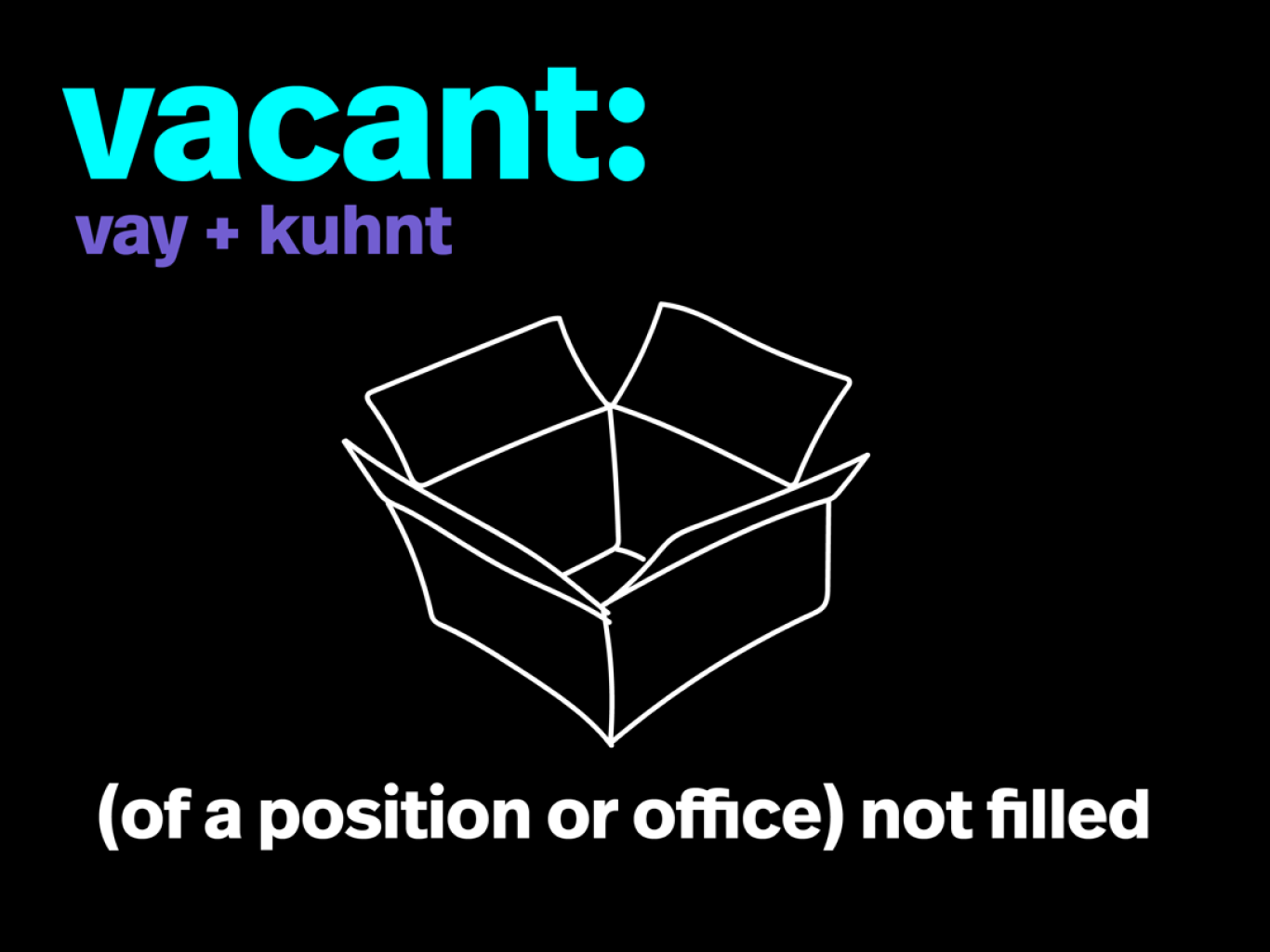
When words are tapped on, a pop-up window provides pronunciation and comprehension help
Early wireframes established the story flow, navigation, and voice interaction sequence
Success Metrics
Engagement
Children actively participate by reading aloud.
Usability
Users can progress through the story without confusion.
Learning
Children demonstrate understanding through a short comprehension assessment.
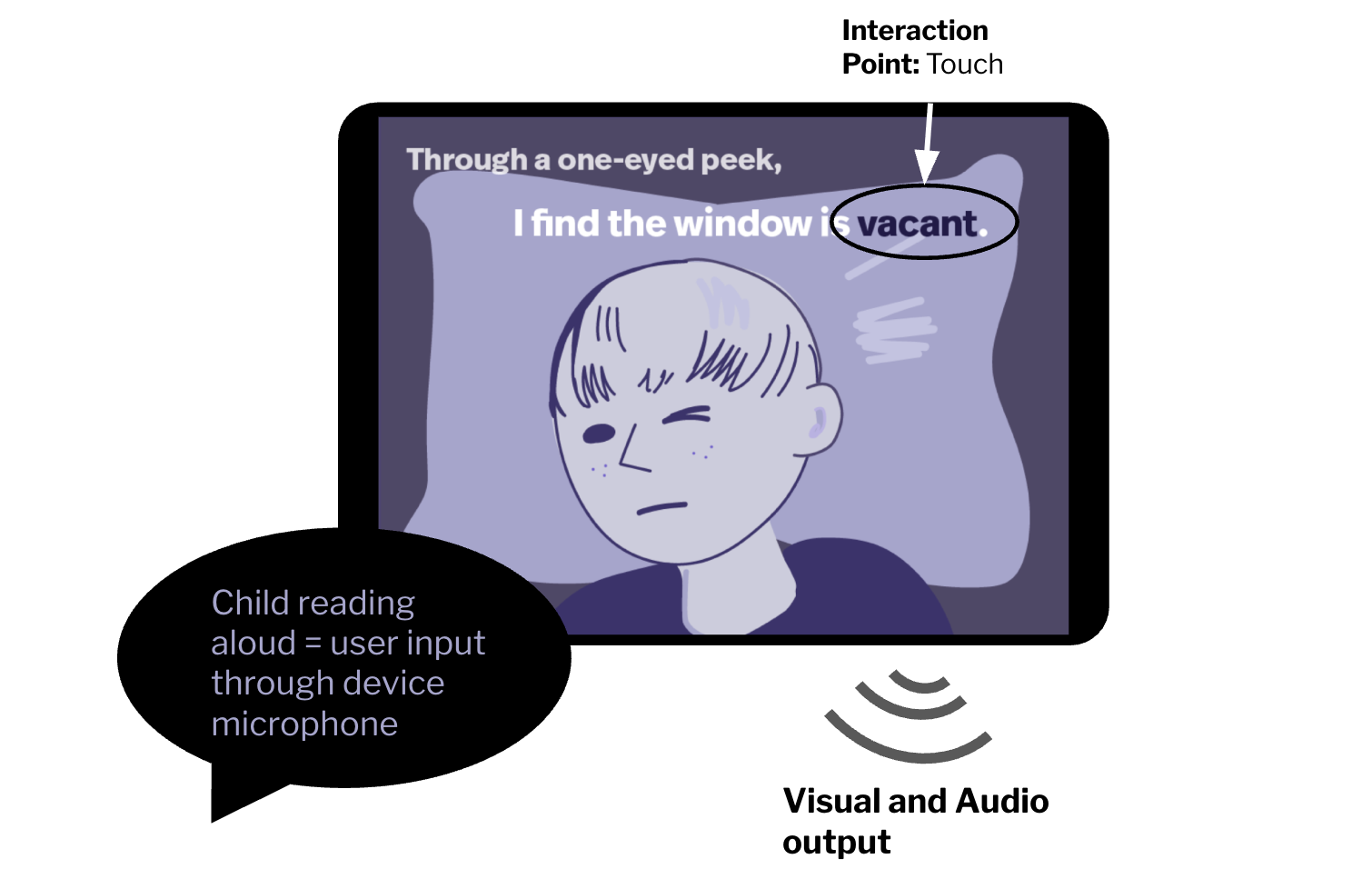
Interaction Zone: Ipad/mobile device, (microphone, speaker, touchscreen)
Interaction:
Words are interactive (touch) for pronunciation and definition
The space where the device is being used is interactive with audio input (child reading aloud)
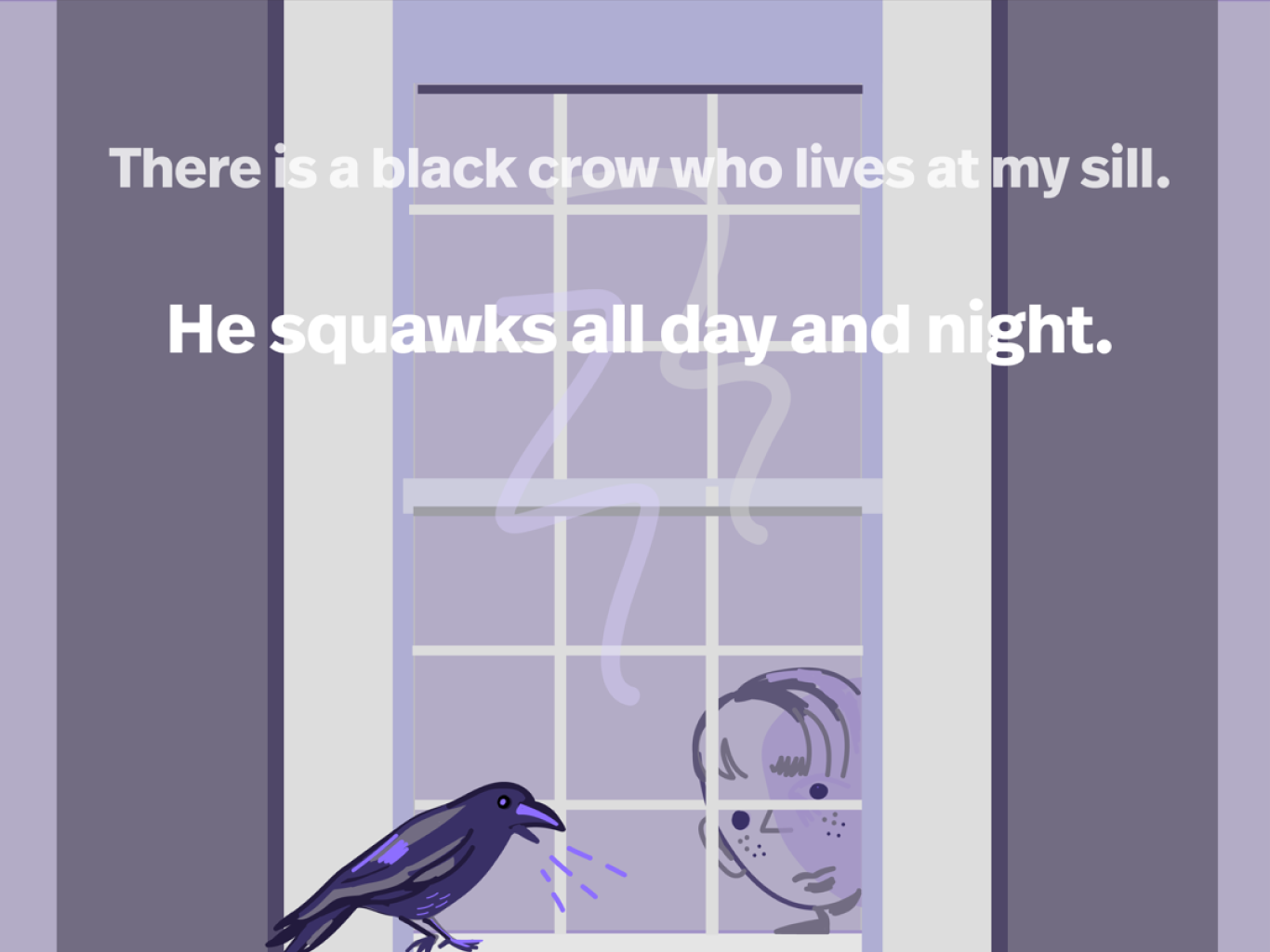
Visual: Animations for engaging narrative, colors to set the tone
Audio: Low volume calm music, interaction triggers some touch sounds, sound effects for onomatopoeia and moments with expressions like “wow”